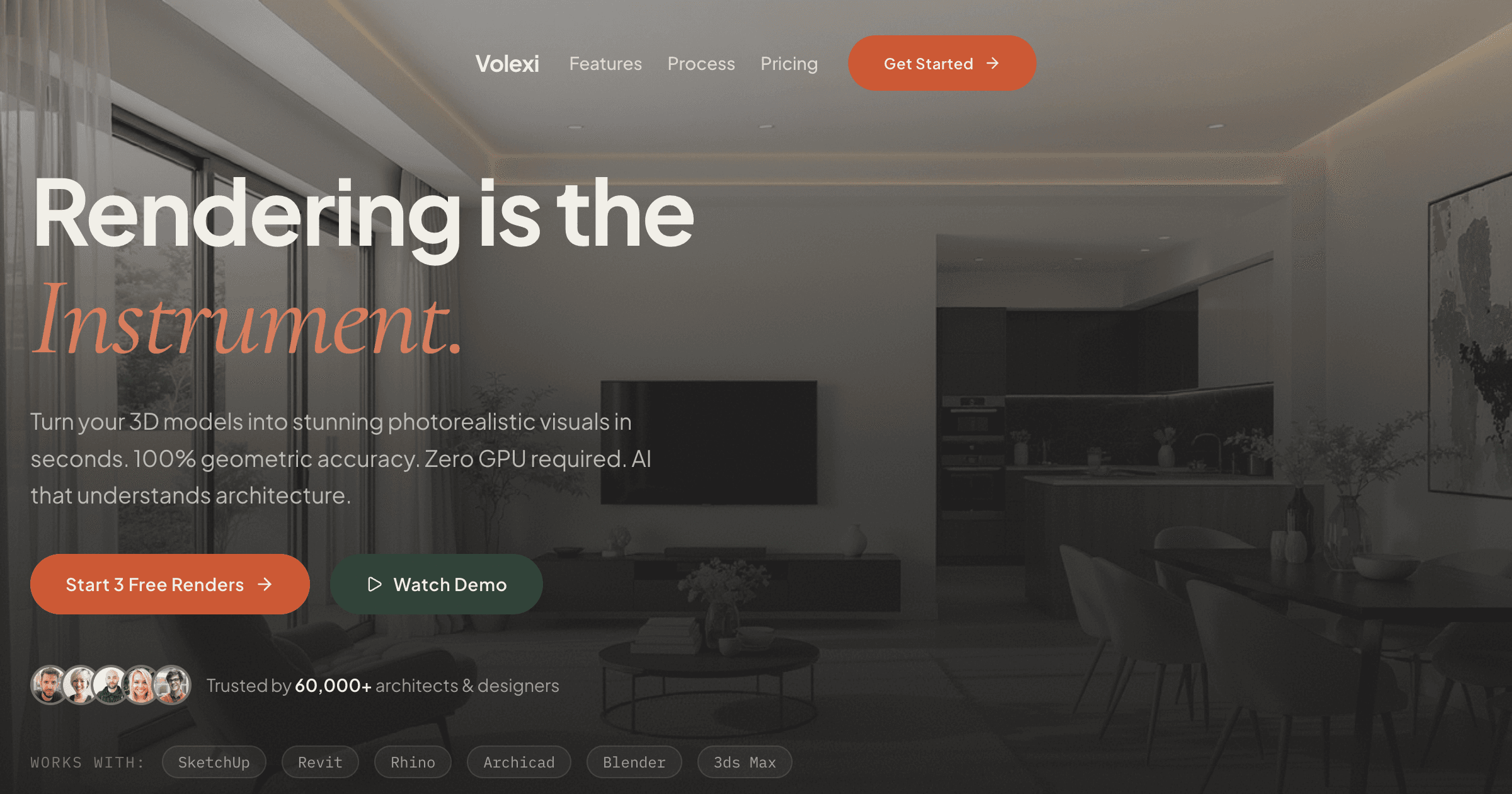
The best architectural rendering software in 2026 depends on the deliverable: Volexi fits fast still-image concept work, real-time tools fit walkthroughs, and classical renderers still fit hero images that need exact material and lighting control. The fastest way to choose well is to map your team to the workflow category first, then compare individual tools inside that category.
That framing matters because most bad software decisions happen when a practice buys one renderer and expects it to cover every stage of design. A concept image for a client meeting, a live design review, and a polished competition hero shot are different jobs. When the job is defined clearly, the shortlist gets much smaller and the trade-offs get easier to defend to the rest of the studio.
What is the best architectural rendering software 2026 choice for concept work?
For concept-stage stills, Volexi is the strongest fit because it removes plugin setup, local GPU dependence, and scene-rebuild overhead from the rendering workflow.
Volexi is built around a simple handoff: export a raster image from your CAD tool, upload it in the browser, choose the engine that matches the job, and render. That matters for architects because the time sink is rarely the final click on Render; it is the scene preparation, material rebuilding, plugin compatibility, and hardware queue before the render even starts.
The product detail that makes Volexi practical is that its four engines already map to common design-stage tasks. Blueprint uses Canny-conditioned geometry lock when walls, openings, and rooflines must stay pinned to the source export. Atelier is the general default for presentation-ready stills. Studio is the lighter iteration path when you want more options on the same composition. Muse is the creative branch for mood and material reimagining when strict line preservation is less important than atmosphere.
- Choose Volexi when your team mainly needs still images for concept reviews, planning packs, or client options.
- Choose a real-time tool when the meeting depends on live navigation, walkthroughs, or quick camera moves inside the model.
- Choose a classical renderer when the job needs precise control over materials, light behavior, and final hero-shot polish.
If you want the broader category view first, start with the architectural rendering software comparison. If you already know you are evaluating AI-first workflows, the AI architectural rendering guide explains where this approach fits in a modern studio stack.
When is Volexi the right choice and when is it not?
Volexi is the right choice when you need a photoreal still from an exported image, and it is the wrong choice when the brief depends on live walkthroughs, VR, or animation.
That distinction is more useful than any feature checklist. Volexi does not read native CAD files such as SKP or RVT; it reads JPEG, PNG, and WebP uploads. So the real workflow question is whether your team is comfortable with an export-upload-render loop. For most architecture practices, that is already how concept visuals move between tools, which makes Volexi easier to adopt than a renderer that demands a new scene format or a host-application plugin.
- Frame the view in your CAD tool and export a PNG or JPG.
- Upload the image to Volexi and start with Atelier unless geometry lock or creative reimagining is the main priority.
- Switch to Blueprint when structural fidelity matters, or Muse when the goal is a more cinematic reinterpretation.
- Use the same credit model for renders and edits: 1 credit = 1 render or 1 edit.
Pricing is equally straightforward. The $5 Intro pack gets a new account 15 credits. After that, Volexi sells credit packs at $12 for 50 credits, $39 for 200 credits, and $49 for 600 credits. Credits do not expire, and there is no subscription to justify internally if the studio only needs rendering during active concept phases.
Teams coming from a CAD-specific workflow should also review the dedicated software pages for SketchUp rendering and Revit rendering. Those guides show the actual export path rather than treating "AI rendering" as an abstract capability.
Which tool wins for walkthroughs, hero shots, and tight material control?
Use a real-time renderer when the client needs to move through the model, and use a classical renderer when the final image needs exact artistic control that goes beyond an AI-guided still workflow.
This is where many comparison articles get fuzzy. Volexi is not trying to be a live walkthrough engine, and that honesty is helpful because it keeps the evaluation clean. If a weekly design review depends on steering the camera through an unfinished model, you are choosing among real-time tools. If a competition board or marketing image will live under close scrutiny, you are choosing whether a classical renderer still earns its setup cost for that specific shot.
- Client still-image options -> start with Volexi because the handoff from CAD export to photoreal image is the lightest.
- Live navigation and design review -> keep your evaluation focused on real-time tools such as the ones discussed in the Enscape alternative and Lumion alternative guides.
- Hero imagery with manual material tuning -> keep V-Ray or Corona in the conversation when exact surface behavior is part of the deliverable standard.
The practical conclusion is that many small studios do not need one winner. They need one fast still-rendering workflow for most output, then a second tool only when a project justifies walkthroughs or a labor-intensive hero image. That is the shortest path to lower operational drag without pretending every renderer solves the same problem.
How should a studio compare rendering software without wasting a quarter?
Run the comparison as a workflow test, not a feature-count exercise: measure setup friction, output fit, hardware demands, and billing model on one real project scene.
That is the method we recommend internally because it exposes the hidden costs that spec-sheet comparisons miss. The most expensive tool is often the one that forces the team to rebuild materials, learn a plugin, wait for a shared GPU machine, or maintain two parallel scene setups just to produce the same client image.
- Deliverable fit: Is the next six months mostly stills, walkthroughs, or hero images?
- Input path: Does the tool accept the export your team already produces, or does it demand a second scene-building step?
- Hardware footprint: Can every architect run it, or only the workstation users?
- Cost model: Does the studio need usage-based spend or can it justify annual seats regardless of render volume?
- Revision speed: After the first output, how painful is it to produce five more client-ready variations?
On that test, Volexi tends to stand out when the studio wants a browser-based still renderer with no local GPU requirement and predictable credit accounting. Every render or edit consumes one credit, every account gets an auditable credit transaction trail, and the workflow stays close to the way architects already hand off images for presentation work. If you want to check the current pack structure before a trial, see Volexi credit pack pricing.
What is the simplest shortlist for a small architecture team?
For most small teams, the simplest shortlist is one AI still renderer for everyday output, one real-time renderer only if walkthroughs are common, and one classical renderer only if hero imagery is a frequent revenue requirement.
That usually means starting with Volexi first, because the entry cost is low, the workflow change is modest, and the product is honest about what it does not replace. From there, keep a real-time tool on the shortlist only if clients regularly need interactive review, and keep a classical renderer on the shortlist only if the practice repeatedly sells highly controlled final imagery. Everything else is complexity that many studios can avoid.
Need the category-by-category breakdown?
See the full rendering software comparison page for the broader matrix across AI-native, real-time, and classical architectural rendering tools.