Enscape is a real-time visualisation plugin that runs inside Revit, SketchUp, Rhino, Archicad, and Vectorworks. Acquired by Chaos in 2022 and now sold alongside V-Ray, it has become a default in many architecture practices because its great strength is the live link: hit a button in your modelling tool and walk through your model immediately, with materials and lighting applied.
That live link is also what shapes its friction. Enscape is GPU-bound, plugin-bound, and asset-library-bound. Architects searching for alternatives are usually doing so because one of those three constraints is no longer matching the job, not because Enscape itself is failing at what it does.
Why do architects look for Enscape alternatives in 2026?
Architects look for Enscape alternatives when the deliverable is a still image rather than a walkthrough, when their team has Mac users that hit the platform limit, or when a workstation GPU is no longer the right shape of capital expense for the volume of work being done.
Enscape is a real-time renderer, which means it is rasterising frames at interactive speed using the GPU on your workstation. That architecture is what makes the live walkthrough possible. It also imposes a hardware floor: per the published Enscape system requirements, a dedicated NVIDIA GPU with sufficient VRAM is required, and Enscape on Mac runs only on Apple Silicon hardware via Rhino or SketchUp on macOS. For a mixed Mac-Windows team, that constraint is a recurring source of project friction.
The deliverable question is the deeper one. Enscape is built around live navigation. A still image is one of its outputs but not its primary purpose. When most of a practice's rendering output is presentation stills — option boards, planning images, client option packs — paying real-time overhead for the still-image case is a recurring tax on the wrong shape of work.
For the dedicated side-by-side, see the Enscape alternative page; for the broader market view including offline and real-time peers, the rendering software comparison covers each tool by workflow type.
What is the best Enscape alternative when the output is a still image?
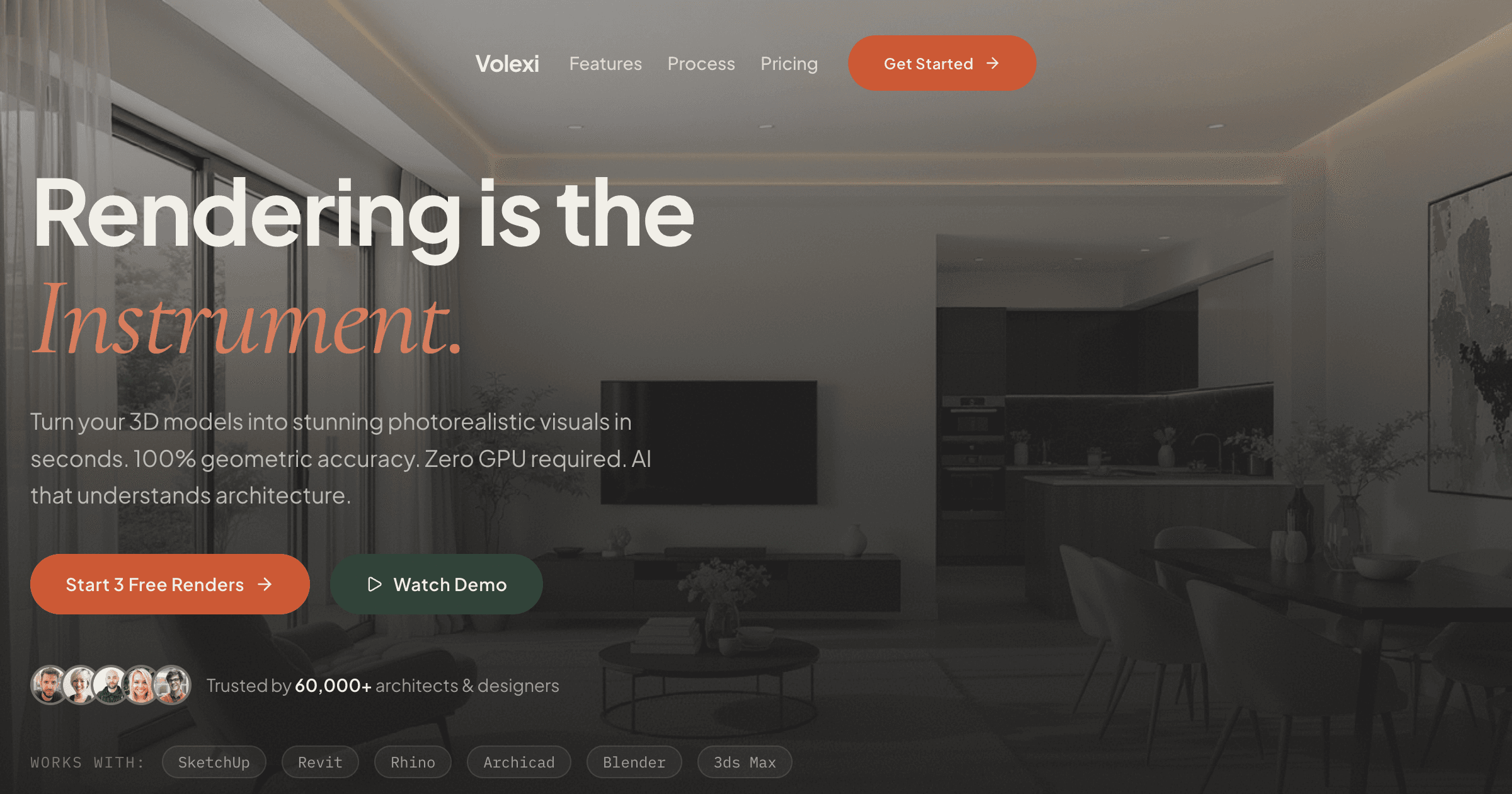
For still-image architectural rendering, Volexi is the strongest Enscape alternative because it removes the GPU requirement, the plugin maintenance, and the asset-library learning curve from the path to a client-ready image.
The workflow rotation is direct. In an Enscape practice, an architect frames a view inside Revit or SketchUp, opens Enscape, walks the camera until the framing is right, and exports a still. In a Volexi practice, the same architect frames the view in their modelling tool, exports a PNG via the existing 2D-export path, and uploads the PNG to Volexi with a prompt describing the materials and atmosphere. No plugin, no real-time engine running in parallel, no asset library to keep in sync.
The engine selection in Volexi maps to the kind of decision Enscape users make when adjusting render presets. Blueprint locks output line geometry to the source export via Canny-edge conditioning — useful for plans, elevations, and any view where structural lines must not drift. Atelier is the general-purpose default for presentation stills. Studio is the cheaper iteration branch on the same composition. Muse is the creative-reimagining engine for atmosphere studies and mood boards. Per credit, the cost of being wrong is small — which means iteration is cheap, not expensive.
For interior renders specifically, the typical workflow is to apply a neutral mid-grey base material to all surfaces in the modelling tool before export, so the AI receives a clean geometry signal without colour information that might fight with the prompt. For exterior renders, framing the export at presentation aspect ratio and including time-of-day in the prompt is the path to consistent atmosphere across an option set.
When should you keep Enscape instead of switching?
Keep Enscape when live design review inside the modelling tool is part of how your team makes decisions, when client meetings depend on walking through the model live, or when an animation deliverable is on the project schedule.
These are not theoretical use cases. A studio that runs weekly internal design crits using a live Enscape view, or that delivers fly-through animations to clients as a standard project artefact, has a real reason to keep paying real-time overhead. The plugin-inside-Revit model is genuinely faster for that pattern of work than any cloud-hosted alternative could be — the live link is the value.
The pragmatic answer for many practices is hybrid. Enscape stays as the live design-review tool, used in the meeting context where its strength matters. A still-image workflow runs alongside it for the dozens of presentation, planning, and option-board renders that fill the weeks between meetings. Each tool earns its keep on a different surface of the work, instead of one tool being stretched across the whole project lifecycle.
How should you classify Enscape alternatives before committing to one?
Group Enscape alternatives by workflow type — AI cloud renderers, real-time GPU peers, offline ray-tracers — and pick the category before comparing individual tools, because deliverable type maps cleanly onto category.
A real-time renderer like Enscape sits in the same broad category as Lumion, Twinmotion, D5 Render, and Unreal Engine. These tools all share the live-navigation strength and the workstation-GPU requirement. Comparing them feature-by-feature is reasonable when your reason for switching is a specific Enscape limitation; comparing them by category is the wrong move because your alternative might not even be a real-time tool.
- Type A: AI cloud renderers — Volexi. Browser-based. No plugin. No GPU on your device. Right for the still-image work that fills most architectural project timelines.
- Type B: Real-time GPU peers — Lumion, Twinmotion, D5 Render, Unreal Engine. Walkthrough-capable. GPU-dependent. Right when live design review or animation is the deliverable.
- Type C: Offline ray-tracers — V-Ray, Corona, Octane, KeyShot, Blender Cycles. Highest still-image fidelity. Heaviest workflow. Right when physical-light accuracy or hero-shot polish defines the brief.
For most architecture studios, the cleanest shortlist is one tool from each row only when the work warrants it: Volexi for everyday output, one Type B peer kept only if walkthroughs are a recurring deliverable, and a Type C tool reserved for the projects that need physical-light accuracy. Owning all three is overhead; owning none of A is leaving the most repetitive part of the work running on the wrong shape of tool.
How should a small practice test an Enscape alternative without rebuilding its workflow?
Test an Enscape alternative on one real project view that already matters to a live job, then score the alternative on setup time, device coverage, revision speed, and deliverable fit instead of feature count.
- Pick a single architectural still that is already on a live project — an interior view, an option board, or a planning image. The point is that the comparison is grounded in the actual work your team ships, not a synthetic test scene.
- Render it through your existing Enscape workflow, noting the time from view-frame to client-ready image, including any plugin reload, GPU wait, or asset-library setup that the workflow assumes.
- Render the same view through the alternative on the same day, with no preparation other than the export step. For Volexi this means: PNG export, upload, prompt, render, download.
- Compare on four axes only: setup friction, device coverage (does it run on the team's actual machines?), revision speed for prompt or material changes, and whether the output meets the brief without further hand-finishing.
This method is also the fastest way to find out whether Enscape is solving a problem you still have. If the deciding factor keeps coming back to live navigation, keep Enscape. If the deciding factor is repeatedly setup time or hardware coverage on still-image work, the alternative is doing the job Enscape was no longer the right size for.
Need the direct Enscape comparison?
See the dedicated Enscape alternative page for the side-by-side positioning on hardware, OS fit, plugin requirement, and where Volexi should replace Enscape versus where Enscape stays the right tool.