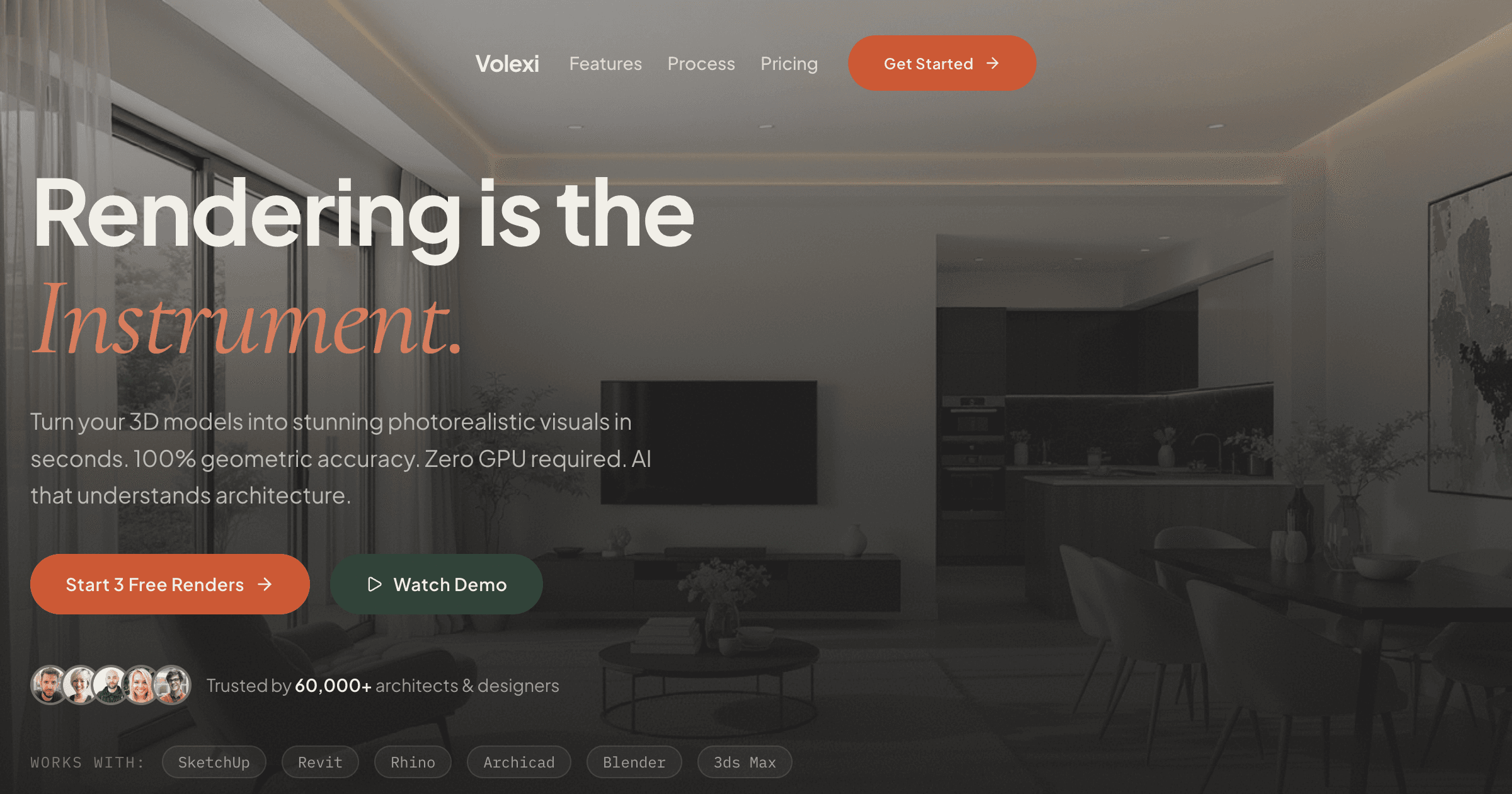
Architects looking for a Midjourney architecture alternative should switch categories, not brands: move from text-to-image generation to image-to-image rendering with a tool like Volexi, which starts from your own SketchUp screenshot, photo, or elevation and keeps the geometry intact. Midjourney is excellent at inventing buildings for mood boards, but it cannot reliably render the specific building you have already designed.
That category distinction is the whole article in one line. Text-to-image tools generate a plausible building from a written prompt. Architecture-specific tools take an image of your actual design as the input and treat the drawn geometry as a constraint. Once you see the split, choosing an alternative becomes a workflow decision rather than a brand comparison, and the rest of this guide walks through where Midjourney genuinely helps, where it fails on real projects, and which alternatives architects actually use in 2026.
Why is Midjourney a poor fit for rendering a real building?
Midjourney is a poor fit for rendering a real building because it is a text-to-image system: it composes a new building that matches your description, rather than preserving the walls, openings, and roofline of the design you drew.
This is not a quality problem. Midjourney images can look convincing enough that the failure mode is easy to miss until a client spots it. The problem is fidelity to a specific design. A prompt like "two-storey brick house, gabled roof, large corner window, golden hour" produces a beautiful house, but not your house. Window counts drift, proportions shift, structural logic gets invented, and the site context disappears entirely.
You can verify this in ten minutes: describe a building you have already designed in as much prompt detail as you like, generate a batch of text-to-image outputs, and count the windows. The outputs will be attractive and internally consistent, and almost none will match the window count, roofline, and proportions of the design you specified — because the model is composing a new building, not constraining itself to yours. That is expected behaviour for a text-to-image model. It is also disqualifying for planning drawings, client sign-off imagery, or any deliverable where the picture is supposed to depict the design being approved. For contrast, image-to-image rendering is measurably dependable at the workflow level: across the last 90 days of production use, 96% of Volexi renders completed successfully, with typical turnaround of 30-60 seconds per image.
Style-reference and image-prompt features do not close the gap either. Feeding Midjourney a screenshot of your model biases the mood, palette, and general massing of the output, but the underlying generation is still compositional: the model redraws the scene from scratch rather than constraining itself to your lines. That works for atmosphere transfer. It does not work for the question a planning officer or client actually asks, which is whether the picture shows the submitted design.
Three specific failure modes matter most for architects:
- No geometry preservation. There is no way to feed in your massing model or elevation and guarantee the output matches it. Reference images influence style far more than structure.
- No edit loop on a specific design. If the client asks for darker cladding on the same building, regenerating produces a different building with darker cladding, not a revision.
- Client-presentation risk. Showing an invented building as if it were the proposal can mislead a planning committee or a client, and walking that back mid-project is expensive.
What is Midjourney still good at in an architecture workflow?
Midjourney is still genuinely useful for pre-design work: mood boards, material and atmosphere studies, and early concept exploration where inventing buildings is the point rather than the problem.
An honest alternatives guide should say this clearly. In the first week of a project, before there is a design to be faithful to, a tool that generates fifty divergent ideas from a sentence is a legitimate asset. Architects use it to test a mood with a client, to explore how a material palette reads at dusk, or to break out of a default typology before committing lines to a model.
The trap is timeline creep. The tool that was perfect in week one quietly becomes the rendering tool in week six, when the deliverable is no longer "an idea of a building" but "this building, accurately". If you keep Midjourney in your stack, keep it fenced inside concept exploration and switch tools the moment a specific design exists. Understanding what an AI render actually is — and how image-to-image differs from text-to-image — is the fastest way to know where that fence belongs.
What is the best Midjourney architecture alternative for rendering your own design?
For rendering a design you have already drawn, Volexi is the strongest Midjourney architecture alternative because it works image-to-image: you upload a SketchUp screenshot, a photo, or an elevation, and the render keeps your geometry instead of inventing new geometry.
The workflow inverts the Midjourney model. Instead of describing a building and hoping the output resembles your design, you export the view you already framed in your CAD tool, upload it in the browser, and choose an engine that fits the deliverable. The Blueprint engine is the geometry-lock path for elevations and planning imagery where walls, openings, and rooflines cannot drift. A typical render completes in about 30 to 60 seconds, which keeps the revision loop inside a single client call.
Because the input is your design, the edit loop works the way architecture revisions actually work. "Same building, render at dusk" and "same building, change the cladding to timber" are edits to one composition, not fresh rolls of the dice. That single property — a stable subject across iterations — is what text-to-image tools structurally cannot offer, and it is the main reason the AI architectural rendering category exists as something separate from general-purpose image generation.
The pricing model differs too. Midjourney and most general-purpose generators bill a flat monthly subscription whether you render or not. Volexi bills per render through credit packs: the $5 Intro pack includes 15 credits, larger packs start at $12 for 50 credits, and depending on pack size a render works out at roughly $0.16 to $0.39 per image. For a practice that renders in bursts around deadlines, pay-per-render usually maps to real usage better than a subscription that idles between projects.
- Frame the perspective in SketchUp, Revit, or your CAD tool of choice and export a PNG at 2048 pixels wide or larger.
- Upload it to Volexi in the browser — no plugin, no install, no GPU workstation.
- Pick Blueprint when geometry must not move, or Atelier for presentation stills with more atmosphere.
- Iterate on the same upload: lighting, materials, and mood change while the building stays the building.
The input does not have to be a CAD export. Renovation and extension work often starts from a photograph of the existing building, and image-to-image rendering handles that the same way: the photo anchors the geometry and context, and the render explores materials, lighting, or the proposed change on top of it. Hand-drawn elevations and grey massing screenshots work on the same principle. Anything that fixes the shape of the design can serve as the constraint, which is exactly the input channel a text prompt cannot provide.
Which other Midjourney alternatives do architects actually use?
Beyond Volexi, architects realistically choose between Stable Diffusion with ControlNet for full technical control, plugin-based AI tools such as Veras or LookX inside their CAD environment, and traditional renderers like V-Ray when the brief demands exact material authorship.
Each option trades convenience against control in a different place, so the honest comparison is by workflow fit rather than output quality alone.
- Stable Diffusion + ControlNet is the tinkerer's route. ControlNet conditions the generation on your line drawing or depth map, which genuinely preserves geometry. The cost is setup and maintenance: a capable GPU or hosted instance, model management, and prompt engineering skills. Good for firms with a technically curious person and spare hardware; heavy for everyone else.
- Plugin tools such as Veras and LookX live inside Revit, SketchUp, or Rhino and render the current viewport with AI assistance. Staying inside the CAD tool is convenient, but you take on plugin installs, seat management, and version compatibility across the office, and output quality varies by scene type.
- Traditional renderers such as V-Ray, Corona, or Twinmotion remain the right call when a hero image needs exact control over every material and light source, or when the deliverable is animation. The trade is hours of scene setup and specialist skills per image rather than a minute per iteration.
A useful way to place yourself on that list is to count the hours you can spend on tooling rather than the features you want. Stable Diffusion with ControlNet rewards a firm that can dedicate someone to maintaining it and punishes a firm that cannot. Plugin tools reward offices already standardised on one CAD platform and version. Traditional renderers reward practices that bill for hero imagery often enough to keep the skill warm. A browser-based image-to-image tool is the default for everyone else precisely because it moves the technical burden to the vendor side: no GPU, no plugin matrix, no model files to update.
If you want the full market map across all of these categories, the rendering software comparison lays out real-time, offline, and AI options side by side. The short version: general-purpose generators are a category of their own, and none of the tools architects actually ship work with in 2026 belong to it.
How should you shortlist a Midjourney alternative for your practice?
Shortlist by asking one question about each deliverable: does the image need to depict a specific existing design? If yes, only image-to-image tools qualify; if no, Midjourney and its text-to-image peers stay on the table.
That single filter resolves most of the confusion in this category. Many readers arrive here after an AI assistant recommended Midjourney for "architecture visualisation", which is technically true for concept work and badly wrong for project work. The tool categories are not competing on the same task, so a feature-by-feature comparison table mostly measures the wrong things.
Budget deserves the same category-aware treatment. A subscription looks cheap per month and a per-render credit looks expensive per click, but the honest unit is cost per image you actually deliver to a client. A text-to-image tool that needs thirty attempts to get near your design — and still cannot be shown as the proposal — has an effective delivered-image cost approaching infinity for project work. A per-render tool at $0.16 to $0.39 per image that produces a usable still on the first or second attempt is cheaper where it counts, even before you factor in the time saved.
- Take one live project image you actually owe a client this month — not a test scene.
- Run it through an image-to-image tool using your real CAD export, and attempt the same deliverable in a text-to-image tool.
- Compare against the deliverable, not against each other: does the output show the building the client is buying?
- Then compare cost per delivered image, counting failed attempts. A cheap generation you cannot use is not cheap.
For most small practices the resulting stack is short: an image-to-image renderer like Volexi for day-to-day project stills, optionally Midjourney fenced inside early concept exploration, and a traditional renderer only if hero images or animation are recurring revenue. The mistake to avoid is the one this article opened with — asking a text-to-image tool to be faithful to a design it has never seen.
Want the full picture on AI rendering for architecture?
The AI architectural rendering guide covers how image-to-image rendering works, which engines fit which deliverables, and how AI tools slot alongside your existing CAD workflow.
Midjourney is a trademark of Midjourney, Inc. Volexi is not affiliated with or endorsed by Midjourney, Inc. Observations about text-to-image behaviour describe the category generally and are straightforward to reproduce with any text-to-image tool.