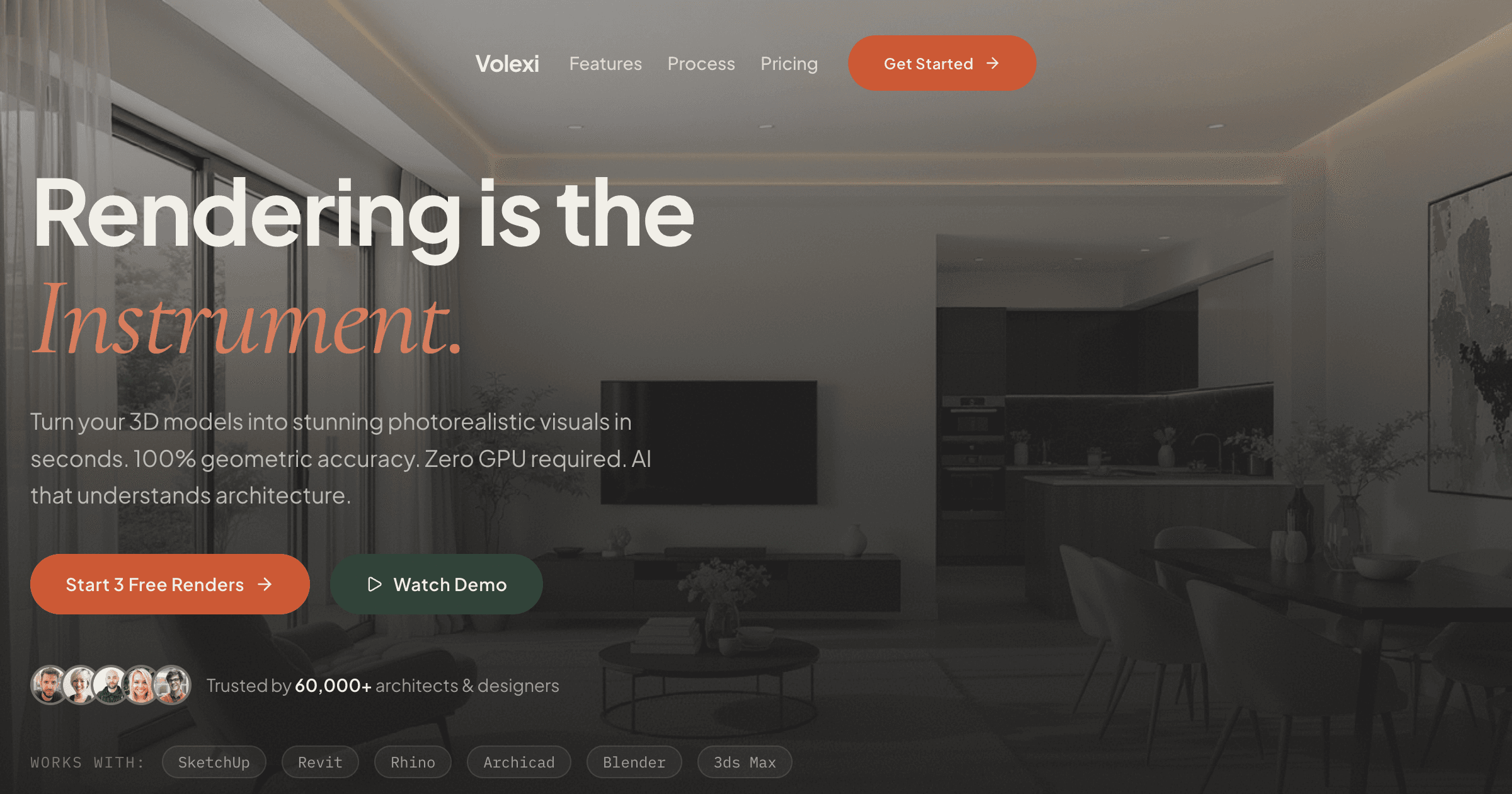
KeyShot is built for product visualisation — isolated objects, controlled studio lighting, turntable animations — and that focus is exactly why architects run into its limits on buildings. The strongest KeyShot alternatives for architectural rendering are Volexi for AI-generated stills straight from a model screenshot, V-Ray or Corona for full-control archviz, and Enscape, Lumion, Twinmotion, or D5 Render for real-time walkthroughs.
None of that makes KeyShot a bad renderer. It makes it a renderer optimised for a different job. A chair on an infinite white floor and a house on a sloping site with fifty trees behind it are not the same rendering problem, and tools tuned for the first tend to fight you on the second. This guide maps which alternative fits each architectural brief — and stays honest about the shots where KeyShot remains the better pick.
Why do architects run into walls with KeyShot?
KeyShot strains on architectural work in three places: site context and landscape are a manual grind, its lighting model is studio-first rather than daylight-first, and its CAD import pipeline targets product-design formats rather than BIM.
KeyShot positions itself around product and industrial design: drop in a mechanical CAD model, assign physics-based materials, light it with a studio HDRI, and spin a turntable. For that brief it is genuinely quick. But an architectural scene is mostly the stuff around the building — terrain, planting, paving, neighbouring structures, sky. KeyShot has no dedicated landscape system, so every tree and every square metre of ground plane is an asset you source, import, and place by hand.
Lighting is the second wall. Product shots want controlled, repeatable studio environments; buildings want a sun position, a sky model, and windows doing the work. Interior views expose the mismatch fastest: an apartment living room lit like a wristwatch advert reads as a showroom, not a home. A daylight-first interior rendering workflow starts from the opposite assumption — natural light through openings, then artificial fixtures layered on top.
The third wall is the import pipeline. KeyShot's format support grew up around SolidWorks, Rhino, STEP, and IGES — the product-design stack. Architects live in Revit, Archicad, SketchUp, and Vectorworks, and getting a BIM model across usually means an intermediate export that drops metadata and multiplies cleanup. Add the sheer scale of an architectural scene and the friction compounds: you are pushing a tool outside the envelope it was engineered for.
What actually separates product visualisation from architectural rendering?
The Object-versus-Place test separates the two disciplines on three axes — subject, lighting, and scene scale — and a tool built for objects rarely converts cleanly to places.
We use this test with architects who ask whether their existing product-viz licence can stretch to cover archviz. Score the brief on each axis before you score any tool.
- Subject: object vs place. Product visualisation isolates one artefact against a neutral backdrop; the object is the whole story. Architectural rendering sells a place — the building plus its site, streetscape, planting, and people. If context is doing half the persuasive work, you are in place territory.
- Lighting: studio vs sky. Objects are lit with HDRI studio rigs designed for repeatability. Places are lit by a sun and sky that change with season, orientation, and time of day — and clients ask for exactly those variations.
- Scale: thousands vs millions of polygons. Once terrain, vegetation, and entourage are placed, a typical architectural exterior scene carries 10–50 million polygons. The isolated product scenes KeyShot is tuned for usually stay under one million. That order-of-magnitude gap is why archviz scenes choke tools that feel instant on a single product model.
Two of three axes landing on the place side means you want an architecture-first tool. The rest of this post assumes that result — and groups the alternatives by the deliverable each one serves best.
Which KeyShot alternatives fit each architectural need?
Match the alternative to the deliverable: Volexi for photoreal stills straight from a screenshot or site photo, V-Ray or Corona for full-control archviz, Enscape, Lumion, or Twinmotion for real-time walkthroughs, and D5 Render for GPU-accelerated real-time quality.
- 1. Volexi — photoreal stills, zero scene setup. Volexi takes the opposite route to every 3D renderer on this list: it works image-to-image. Screenshot your SketchUp, Revit, Rhino, or Archicad viewport — or upload a site photo — and the AI returns a photorealistic still with the source geometry preserved. There is no material assignment, no HDRI selection, no lighting rig: the entire setup stage that KeyShot makes you do per scene simply does not exist. Typical turnaround runs 30–60 seconds per render, and credit pricing works out at $0.16–0.39 per render depending on pack size, with a $5 Intro pack of 15 credits as the entry point. The trade-off is control: you direct the output with prompts and engine choice rather than dialling in each material by hand. Our guide to AI architectural rendering walks through how the image-to-image approach preserves geometry while replacing materials and lighting wholesale.
- 2. V-Ray (Chaos) — the full-control archviz benchmark. Offline ray-tracer with plugins inside SketchUp, Revit, Rhino, and 3ds Max, so BIM models never leave their native environment. Physically accurate sun-and-sky systems, scatter tools for vegetation, and proxies for heavy scenes — the landscape and daylight machinery KeyShot lacks. The cost is workflow weight: scene preparation, render-time management, and a genuine learning curve. Right for competition entries and hero images where material accuracy is the specification.
- 3. Corona Renderer — approachable offline quality. Chaos stablemate to V-Ray with a simpler material and lighting system, running primarily in 3ds Max and Cinema 4D. Interiors are its reputation-maker: forgiving daylight setups and believable results with fewer dials. Less top-end configurability than V-Ray, but a shorter road to a convincing archviz image for teams new to offline rendering.
- 4. Enscape — real-time inside your BIM tool. A GPU plugin that lives inside Revit, SketchUp, Rhino, Archicad, and Vectorworks and mirrors the model as you edit it. No export step at all — the exact gap KeyShot leaves for BIM users. Requires a capable GPU and Windows for full features, and its still-image ceiling sits below the offline ray-tracers.
- 5. Lumion — landscape-rich walkthroughs. Real-time renderer with the largest built-in architectural content library on the market: vegetation, people, skies, and terrain tools ready to place. Where KeyShot makes you source every tree, Lumion ships with a forest. A dedicated GPU is mandatory, and the look leans stylised unless you push settings deliberately.
- 6. Twinmotion — Unreal-based real-time on a budget. Epic-owned real-time tool with LiveSync links to the major CAD packages and a path-traced still mode on RTX hardware. Free below a revenue threshold, which makes it the lowest-risk real-time trial for a small practice. Scene population from its library is still a manual stage, and the GPU requirement stands.
- 7. D5 Render — GPU path-traced real-time. Built around NVIDIA RTX with hybrid real-time global illumination, so lighting quality lands closer to offline renders while staying interactive. Strong material and asset ecosystem for archviz, with a usable free tier. Windows-plus-RTX only, which rules out Mac-based practices entirely.
When is KeyShot still the right tool for an architecture practice?
Keep KeyShot for object-scale work: furniture and fixture marketing shots, joinery and detail close-ups, and material studies on isolated components — the briefs where its studio lighting and material system are strengths rather than obstacles.
Plenty of practices do object-scale work alongside buildings. A furniture line designed in-house, a bespoke light fitting for a hospitality project, a facade panel or window system the practice wants to present to a manufacturer — these are product shots, and KeyShot renders them better than any tool in the list above. Its turntables and studio environments exist precisely for this.
The same goes for close-up material studies: a timber junction, a stair detail, a door handle. When the subject fits on a desk, the Object-versus-Place test lands on object, and KeyShot is playing at home. The mistake is not owning KeyShot — it is asking one licence to cover both disciplines and accepting a compromised result on the architectural half.
A two-tool setup is often the honest answer. Several practices we speak to keep KeyShot for furniture and component shots and pair it with an archviz route for buildings — a real-time engine if walkthroughs are a regular deliverable, or an AI still workflow if the output is presentation images. The pairing costs less than forcing either tool across the divide, because neither licence is being stretched into work it handles badly.
How do you pick a KeyShot replacement without wasting a licence cycle?
Trial in this order: run one live project through a free tier first, judge the output on your own model rather than a vendor showreel, and only then commit budget — the cheapest test on this list costs nothing but an afternoon.
The practical sequence we suggest: take one current project and produce the same deliverable in two candidate tools. Volexi's entry point is a $5 Intro pack, Twinmotion is free below a revenue threshold, D5 has a free tier, and the offline renderers offer trial licences. An afternoon of parallel testing on your own geometry tells you more than any feature matrix — including ours.
Weigh the whole cost, not the sticker. A renderer that needs an RTX workstation carries the hardware in its real price; an offline ray-tracer carries the training hours; a cloud tool carries per-render credits. At $0.16–0.39 per Volexi render, a practice can produce a full concept-stage image set for less than the electricity a local render farm burns overnight — but a studio rendering daily walkthroughs will amortise a real-time licence just as rationally. Our side-by-side rendering software comparison lays out hardware requirements, workflow types, and deliverables for every tool in this post on one page.
KeyShot is a trademark of Luxion Inc. (KeyShot Inc.). Volexi is an independent product and is not affiliated with, sponsored by, or endorsed by Luxion or KeyShot Inc. All product names are used for identification and comparison purposes only.
Compare every rendering route in one place
Our rendering software comparison puts AI cloud renderers, real-time GPU engines, and offline ray-tracers side by side — hardware requirements, workflow steps, and the deliverable each one is actually built for.