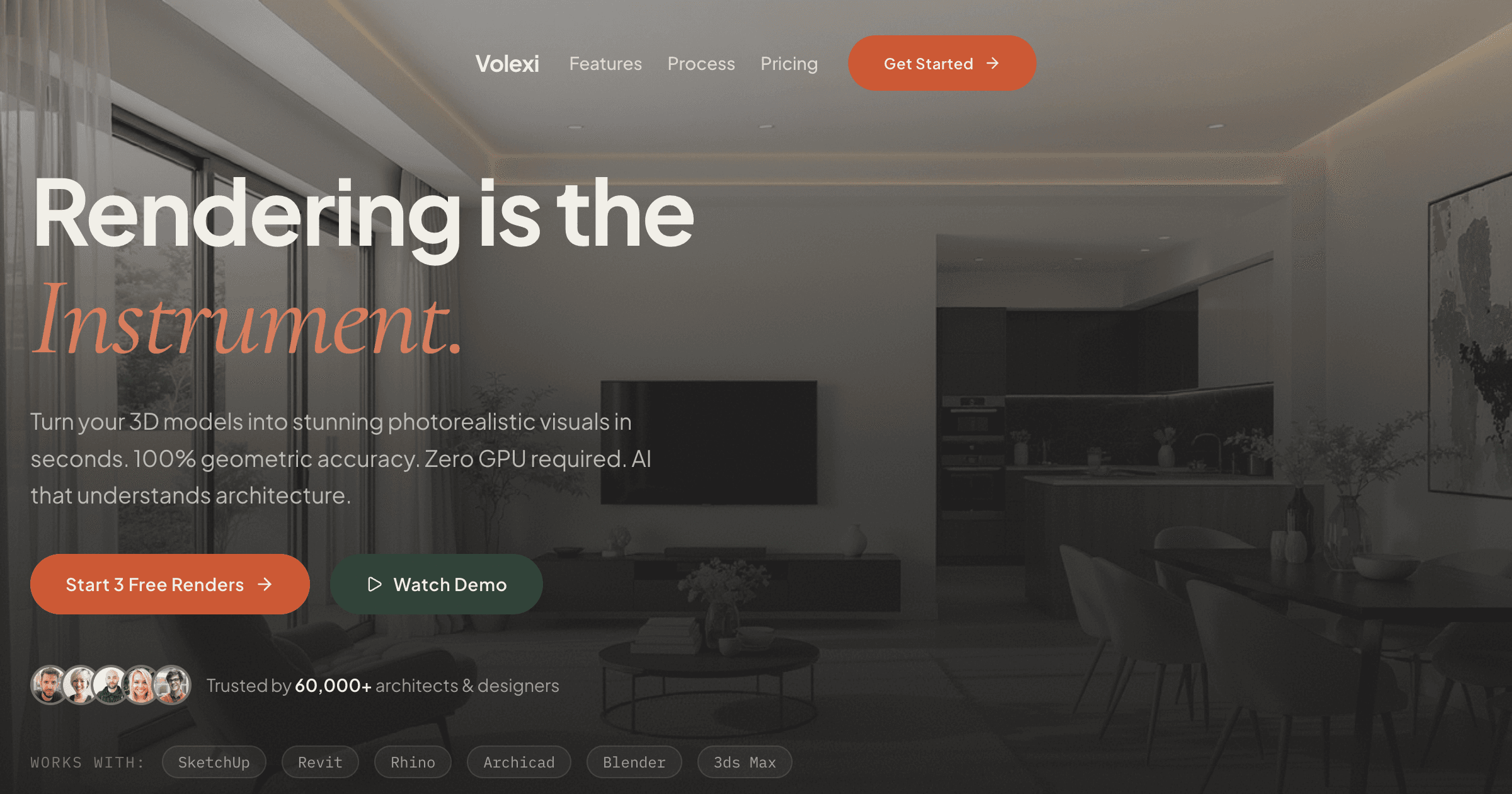
The best D5 Render alternative depends on three technical constraints: whether your team uses Mac hardware, has consistent GPU access, and needs real-time navigation versus still imagery. Volexi removes the GPU requirement entirely for still renders, while Twinmotion and Enscape offer real-time alternatives with different platform support. This comparison focuses on the practical trade-offs that affect daily workflow rather than feature lists that rarely map to actual project needs.
D5 Render has carved out a specific position: Windows-only, RTX-accelerated, subscription-based real-time rendering with a focus on architectural visualization. When teams evaluate alternatives, it usually stems from one of three friction points: Mac users feeling excluded, smaller firms struggling with GPU costs, or project teams needing faster iteration without scene rebuilding. Understanding which friction matters most shapes the alternative selection.
Which D5 Render alternatives work on Mac?
For Mac users, Volexi provides full browser-based rendering without any GPU requirement, while Twinmotion offers native Mac support for real-time needs, and Enscape recently added Mac compatibility for SketchUp users.
The Mac compatibility question often determines the entire evaluation. D5 Render remains Windows-exclusive, which immediately eliminates it for studios running Mac hardware. Among alternatives, the clearest distinction is between tools that require local installation versus browser-based solutions that sidestep the platform question entirely.
- Volexi works in any modern browser on Mac, Windows, or Linux. No GPU needed locally since rendering happens in the cloud.
- Twinmotion runs natively on Mac with M1/M2/M3 optimization, though performance varies by chip generation.
- Enscape added Mac support specifically for SketchUp, but not for other host applications.
- Lumion remains Windows-only like D5, so Mac users must look elsewhere.
- V-Ray offers Mac versions but requires significant hardware for acceptable performance.
For a deeper dive into Mac-specific workflows, the architectural rendering software comparison breaks down performance benchmarks across different Mac configurations.
How do GPU requirements affect the total cost of ownership?
GPU requirements create hidden costs: a single RTX 4090 adds $1,600-2,000 per workstation, while cloud GPU rental runs $0.50-2.00 per hour, making browser-based tools like Volexi more predictable for intermittent rendering needs.
The GPU math rarely appears in software comparisons, but it dominates real budget discussions. D5 Render requires an NVIDIA RTX card for its core features. A studio with 10 architects faces either upgrading 10 workstations or creating a GPU bottleneck where only certain machines can render. This hardware lock-in extends beyond the initial purchase to ongoing upgrades as scene complexity grows.
Cost comparison across rendering approaches:
- Local GPU rendering: RTX 4060 ($300) handles small scenes, RTX 4090 ($1,600+) for production work
- Cloud GPU services: $0.50-2.00/hour depending on instance type, plus data transfer
- CPU-based rendering: Slower but works on existing hardware, typical for V-Ray CPU mode
- Browser-based AI rendering: No local GPU needed, pay per render (Volexi: $0.18-0.36 per image)
The shift to AI architectural rendering specifically addresses this GPU barrier by moving compute requirements to the service provider. Instead of maintaining local hardware, teams pay for actual output.
Which alternative offers the fastest concept-to-render workflow?
Volexi delivers the fastest concept-to-render time by accepting direct image exports from any CAD tool, eliminating scene preparation, material assignment, and lighting setup that consumes 70-80% of traditional rendering time.
Workflow speed measurements from real project timings:
- Export from CAD: 30 seconds to 2 minutes depending on viewport setup
- Scene preparation in traditional renderer: 15-45 minutes for materials, lights, and environment
- Test renders and adjustments: 30-60 minutes cycling through settings
- Final render: 5 minutes (real-time) to 2 hours (path-traced) depending on quality
Volexi compresses this to:
- Export viewport as PNG/JPG: 30 seconds
- Upload and select engine: 15 seconds
- Render completes: 20-30 seconds
- Optional edits with masking: 20-30 seconds each
This 10-20x speedup comes from eliminating scene reconstruction. The trade-off is accepting AI interpretation rather than manual control over every material and light. For concept-stage work where iteration speed matters more than perfect material accuracy, this trade-off typically favors the faster workflow.
Should you prioritize real-time navigation or still image quality?
Choose real-time rendering like D5, Twinmotion, or Enscape when clients need to navigate through spaces; choose still-focused tools like Volexi when the deliverable is presentation boards, planning submissions, or web imagery.
This fundamental split often gets buried in feature comparisons, but it should drive the initial filtering. Real-time tools optimize for 30+ frames per second during navigation, which requires compromises in lighting accuracy, material complexity, and reflection quality. Still-focused tools can spend more compute per pixel since they only need to produce one frame.
Deliverable mapping:
- Client presentations with live navigation: D5 Render, Twinmotion, Enscape, Lumion
- VR walkthroughs: Enscape, Twinmotion (both have VR modes)
- Planning submission renders: Volexi, V-Ray, Corona (still quality prioritized)
- Marketing hero shots: V-Ray, Corona for maximum control; Volexi for speed
- Design iteration studies: Volexi for rapid options; D5 for material testing in context
How do subscription costs compare to pay-per-render pricing?
D5 Render costs $38/month per seat, Twinmotion runs $70/month, while Volexi uses pay-per-render credits starting at $0.18 per image—making usage-based pricing 50-90% cheaper for teams rendering fewer than 200 images monthly.
Annual software cost comparison for a 5-person team:
- D5 Render Pro: $38/month × 5 seats × 12 months = $2,280/year
- Twinmotion: $70/month × 5 seats × 12 months = $4,200/year
- Enscape: $79/month × 5 seats × 12 months = $4,740/year
- Volexi 150-credit packs: $19 × 12 (1,800 credits) = $228/year for equivalent output
The subscription model makes sense for daily users who render constantly. For typical architectural practices that render in bursts around deadlines, per-output pricing often totals 10% of the subscription cost. Volexi credits never expire, so unused rendering capacity rolls forward rather than disappearing at month end.
How do these alternatives integrate with common CAD tools?
D5 Render provides live sync plugins for SketchUp, Revit, Rhino, 3ds Max, and Archicad; Volexi accepts image exports from any CAD tool, trading live sync complexity for universal compatibility.
Integration comparison by CAD platform:
- SketchUp: D5, Enscape, and Twinmotion offer live sync; Volexi uses PNG export
- Revit: D5 and Enscape plugin directly; Twinmotion uses Datasmith; Volexi takes image exports
- Rhino: D5 has dedicated plugin; others use export workflows
- Archicad: D5 and Twinmotion connect directly; limited options otherwise
- AutoCAD: Most require 3D model export; Volexi accepts 2D drawing exports
The philosophical split is between tight integration and loose coupling. Live sync enables real-time design changes but requires plugin maintenance and version matching. Image-based workflows like Volexi work with any software version but require re-export for design changes. For deeper integration examples, see the dedicated D5 Render alternative comparison.
Which D5 Render alternative fits your specific workflow?
Match your primary constraint to the right tool: Volexi for GPU-free and Mac-friendly still rendering, Twinmotion for Mac-compatible real-time work, Enscape for Windows-based integrated visualization, or V-Ray when maximum quality justifies the setup time.
Decision framework by use case:
- Mac studio needing quick stills: Volexi (browser-based, no GPU required)
- Mac studio needing walkthroughs: Twinmotion (native Mac app with real-time)
- Windows team with RTX cards: Keep D5 Render or try Enscape for tighter CAD integration
- Mixed Mac/PC environment: Volexi for universal access or Twinmotion for real-time needs
- Competition-quality hero shots: V-Ray or Corona with appropriate hardware budget
Start your evaluation with the $5 Volexi Intro pack to test the AI rendering workflow on your actual project files. The lack of installation or GPU requirements means you can evaluate within minutes rather than coordinating IT deployment.