Free AI interior design tools in 2026 range from genuinely useful professional options to frustrating demos that waste time with watermarks and resolution limits. This guide cuts through marketing claims to reveal what each tool actually delivers without payment, based on testing with identical interior scenes. We focus on tools offering real value, not just free trials disguised as free tiers.
Testing methodology: Each tool received the same 2048×1536 SketchUp interior export showing a basic living room with white walls, wood floors, and empty furniture spaces. We evaluated free tier limits, output quality, processing speed, and whether results work for professional presentations versus personal experiments.
What makes an AI interior design tool genuinely free?
Truly free AI tools provide 3-5 full-quality renders monthly without watermarks, allow high-resolution downloads, skip credit card requirements, and permit commercial use of outputs.
Fake "free" tools to avoid:
- Watermark traps: Giant logos across renders make client use impossible
- Resolution caps: 512×512 outputs look terrible on any modern screen
- Preview-only: Can view but not download results
- Instant expiry: "Free credits" that vanish after 24 hours
- Feature locks: Free version missing essential controls
1. Volexi: The Paid Pick for Architectural Accuracy
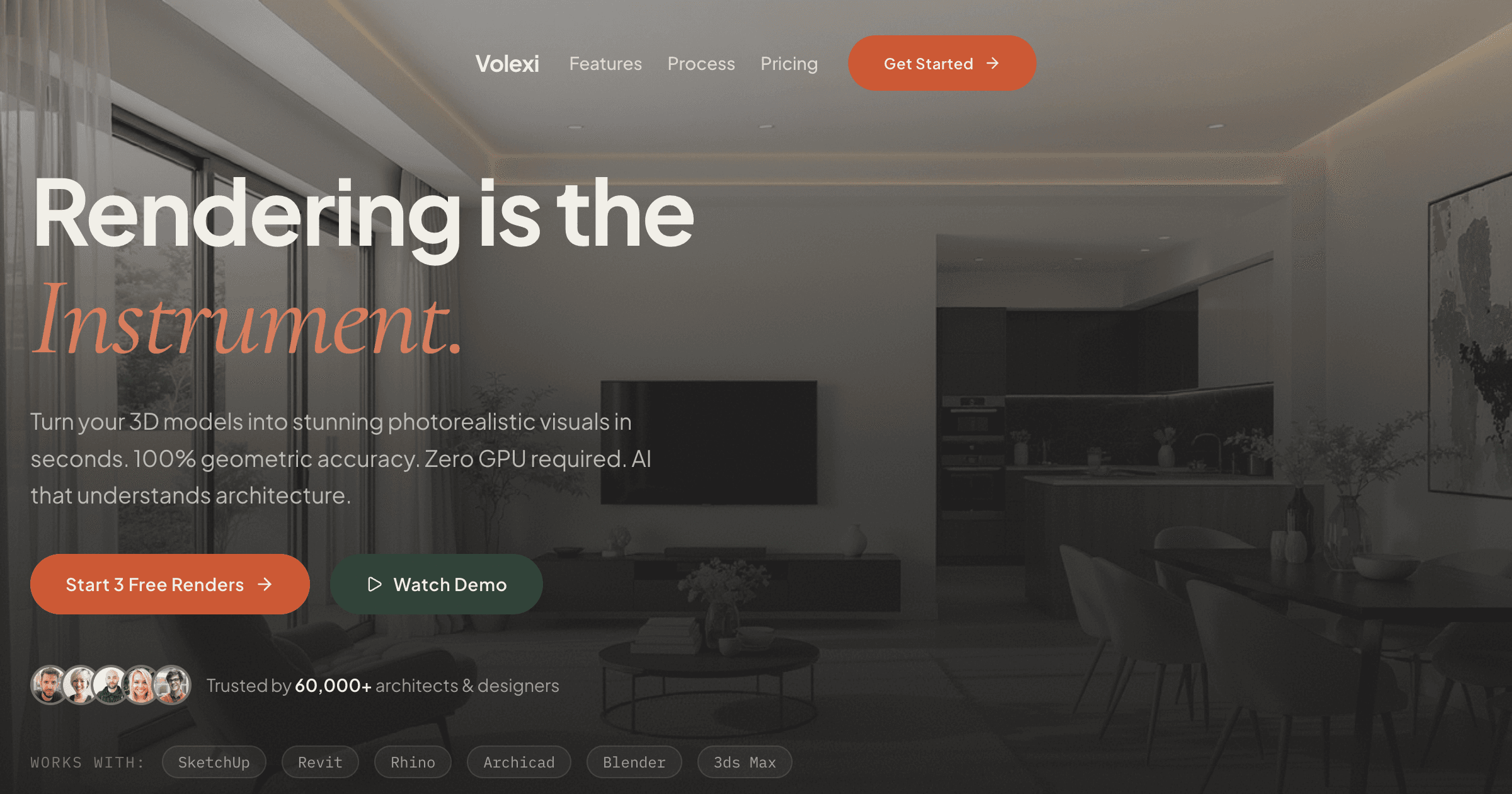
Volexi is not free, but the $5 Intro pack includes 15 credits producing 2048×1536 renders without watermarks, specifically trained on architectural imagery for accurate material and proportion understanding.
Intro pack specifications:
- Price: $5 for 15 credits, credits never expire
- Output resolution: 2048×1536 pixels
- Watermarks: None
- Processing time: 20-30 seconds
- Commercial use: Allowed
- Best feature: Understands architectural elements
Unlike general AI tools, Volexi maintains wall positions, preserves window openings, and interprets material prompts accurately. Writing "oak flooring, white painted walls, black steel window frames" produces exactly those materials, not random interpretations. The $5 Intro pack lets professionals test quality before moving up to larger packs starting at $12 for 50 credits.
2. Interior AI: Generous Monthly Allowance
Interior AI offers 5 free high-resolution renders monthly with multiple style options and no watermarks on final downloads, making it viable for light professional use.
Free tier specifications:
- Free renders: 5 per month, resets monthly
- Output resolution: Up to 2048×2048
- Watermarks: None on downloads
- Processing time: 2-3 minutes
- Commercial use: Allowed with attribution
- Best feature: Multiple style variations per render
Interior AI excels at style exploration, generating 3-4 variations per upload. The slower processing reflects higher quality output. Monthly reset makes it sustainable for designers with occasional AI needs.
3. RoomGPT: Simple Template System
RoomGPT provides 5 free monthly redesigns using preset templates, ideal for homeowners but too restrictive for professional design work.
Free tier specifications:
- Free renders: 5 per month
- Output resolution: 1024×1024
- Watermarks: Small corner logo
- Processing time: 60 seconds
- Commercial use: Personal only
- Best feature: Dead simple interface
Choose from styles like "Modern Minimal" or "Coastal Comfort" and RoomGPT transforms the space. No custom prompts or material control limits professional applications.
4. ReImagine Home: Virtual Staging Focus
ReImagine Home allocates 3 monthly credits specifically for empty room staging, producing clean results for real estate marketing.
Free tier specifications:
- Free credits: 3 per month
- Output resolution: 1920×1080
- Watermarks: None
- Processing time: 90 seconds
- Commercial use: Allowed
- Best feature: Realistic furniture placement
Excels at adding furniture to empty rooms but struggles with redesigning furnished spaces. Real estate agents find it valuable; designers needing style changes should look elsewhere.
5. Collov AI: High Volume Free Tier
Collov AI allows 3 free renders daily (90 monthly), the highest volume free tier, but occasionally modifies room architecture unpredictably.
Free tier specifications:
- Free renders: 3 per day
- Output resolution: 1920×1080
- Watermarks: None
- Processing time: 45 seconds
- Commercial use: Allowed
- Best feature: High daily limit
The generous limit attracts users, but Collov sometimes changes window positions or wall angles. Fine for inspiration, risky for client presentations.
6. AI Room Planner: Layout Generation
AI Room Planner provides 3 weekly room layouts focusing on space planning rather than photorealistic rendering.
Free tier specifications:
- Free designs: 3 per week
- Output resolution: 1280×720
- Watermarks: None
- Processing time: 2 minutes
- Commercial use: Personal only
- Best feature: 2D + 3D views
Generates furniture layouts from room dimensions but render quality remains basic. Useful for space planning, not final presentations.
7. Spacely AI: Sketch to Render
Spacely AI offers 5 monthly sketch-to-render conversions, working best with hand drawings rather than CAD exports.
Free tier specifications:
- Free conversions: 5 per month
- Output resolution: 1536×1536
- Watermarks: None
- Processing time: 60 seconds
- Commercial use: With attribution
- Best feature: Sketch interpretation
Expects loose, sketchy input. CAD line drawings confuse it, producing mixed results. Best for concept development from hand sketches.
8-10. Designify, Decoratly, Homestyler: Limited Options
These three tools offer various free tiers but share common limitations: low resolution, watermarks, or aggressive marketing that reduces professional viability.
Quick comparison:
- Designify Spaces: 10 monthly renders at 1024×1024 with watermarks
- Decoratly: 3 lifetime uses with aggressive style changes
- Homestyler AI: Unlimited use but capped at 720p resolution
How do you select the right free AI interior tool?
Match tools to specific needs: Volexi for architectural accuracy (the $5 paid pick), Interior AI for style variety, ReImagine Home for staging, and RoomGPT for homeowner experiments.
Decision framework by user type:
- Architects/Designers: Start with Interior AI's free monthly allowance, then move to Volexi's $5 Intro pack (15 credits) when accuracy matters. Avoid template tools that modify architecture.
- Real Estate Professionals: ReImagine Home for empty room staging, Collov AI for furnished redesigns. Focus on tools allowing commercial use.
- Homeowners: RoomGPT for simple style changes, Decoratly for dramatic transformations. Prioritize ease over control.
- Students: Collov AI's high daily limit for experimentation, Homestyler for unlimited low-res practice.
What are the honest limitations of free AI tools?
Free tiers typically provide 3-5 quality renders monthly, sufficient for testing but not regular professional use. Expect limited control, potential quality issues, and the need to upgrade for serious work.
Common free tier limitations:
- Quantity caps: 3-5 high-quality renders exhaust quickly on real projects
- Resolution limits: Many cap at 1024×1024, insufficient for print or large displays
- Feature restrictions: Advanced prompts, editing tools remain locked
- Processing priority: Free users wait longer during peak usage
- Consistency issues: Results vary more than paid tiers
For regular professional use, free tiers serve as testing grounds. At $0.38 per render, paid tools like Volexi cost less than 10 minutes of billable time while delivering predictable, high-quality results. Use the free tiers to evaluate, then invest in tools that support your actual workflow needs.