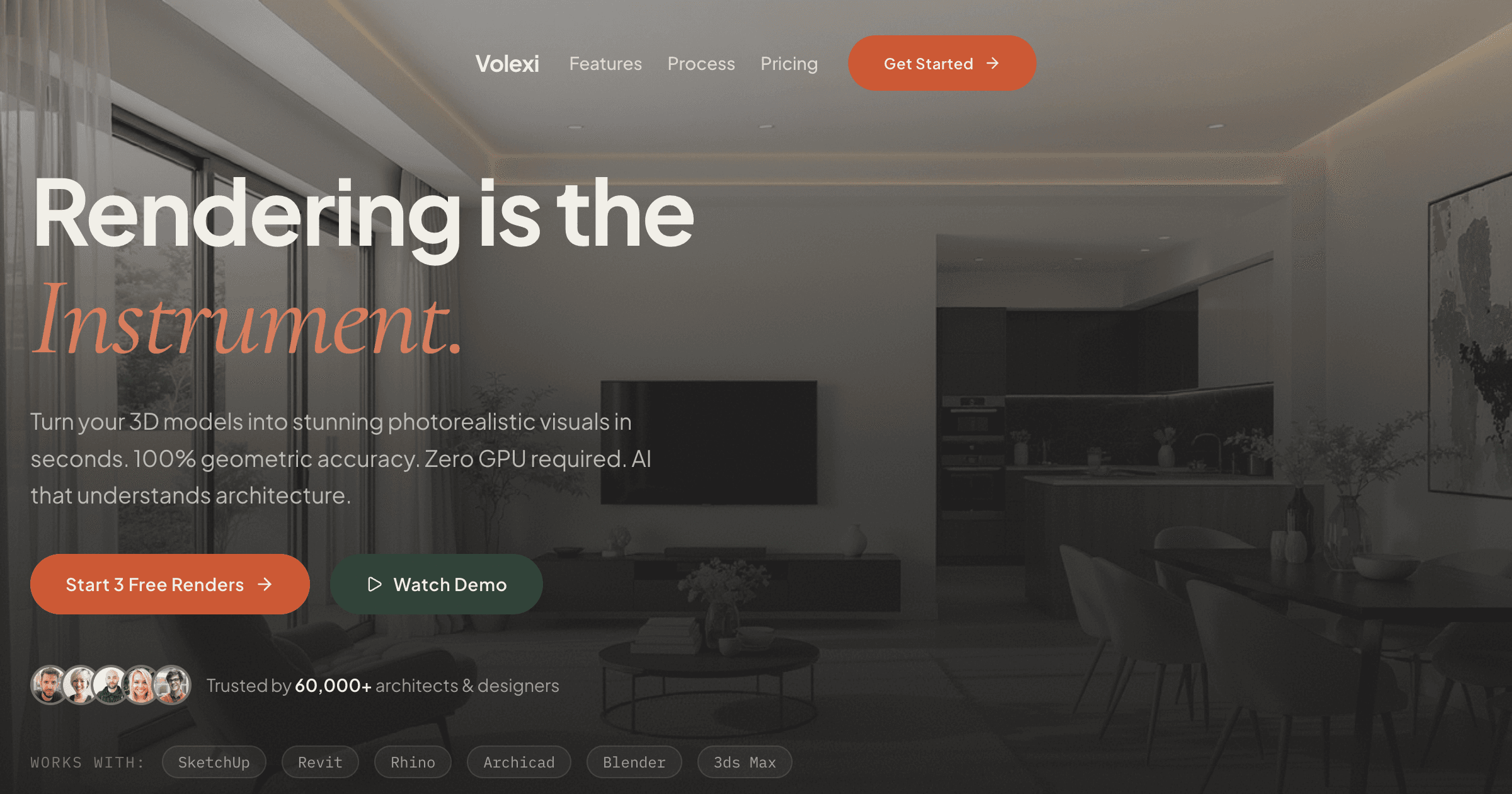
3D rendering online means producing photoreal images through a browser instead of installed software. For architects in 2026, this shift from local GPU rendering to cloud-based inference changes the economics of visualization — no workstation GPUs, no plugin maintenance, no render farm queues. The practical question is when browser-based rendering fits the brief and when traditional installed renderers remain necessary.
This guide walks through the mechanics of online rendering, the file format handoff, privacy considerations, and the specific workflow advantages that make browser-based tools compelling for concept-stage architectural visualization. The focus stays practical: what works, what doesn't, and how to evaluate whether your practice should add online rendering to its toolkit.
How does 3D rendering online actually work?
3D rendering online works by uploading a 2D image export from your CAD tool to a cloud service, which uses AI inference to generate a photoreal version of the same scene. The computation happens on remote GPUs, returning the finished render through your browser.
This is fundamentally different from traditional rendering. Classical renderers like V-Ray or Corona read 3D scene data — vertices, materials, lights — and simulate light physics to produce an image. Online AI renderers like Volexi read a 2D image export and use diffusion models to generate a photoreal interpretation that preserves the composition while adding photographic qualities.
The workflow implications matter more than the technical details. With installed renderers, you build scenes twice — once in your CAD tool, again in the renderer with materials and lights. With online rendering, you export what you already see in your CAD viewport and let the AI handle the photoreal translation. No scene rebuilding, no material libraries to manage, no local GPU requirements.
- Input: JPEG, PNG, or WebP export from any CAD tool
- Processing: Cloud GPU inference using trained diffusion models
- Output: High-resolution photoreal render delivered in browser
- Time: Fast enough for iterative prompt refinement
- Hardware: Any device with a browser — no local GPU needed
For architects evaluating AI architectural rendering workflows, the browser-based approach removes the steepest adoption barriers. No IT deployment, no per-seat installs, no version conflicts between team members using different workstations.
What file formats work for online 3D rendering?
Online 3D rendering typically accepts raster image formats — JPEG, PNG, and WebP — rather than native 3D files like SKP, RVT, or 3DM. This means your workflow starts with a 2D export from your CAD tool's viewport.
This format limitation is actually a workflow advantage for most architects. Every CAD tool can export a viewport image, but not every CAD tool can export to every 3D interchange format. By accepting raster inputs, online renderers work with any source — SketchUp, Revit, Rhino, ArchiCAD, Vectorworks, even hand sketches or concept collages.
- Frame your view in the CAD tool using standard viewport navigation
- Export through File > Export > 2D Image (or equivalent)
- Choose PNG for clean edges or JPEG for smaller file sizes
- Set resolution to at least 1920px width for quality inference
- Upload the exported image to the online renderer
The raster-input approach also preserves privacy. Your 3D model never leaves your local machine — only the 2D view you explicitly chose to export. For practices working on confidential projects, this creates a clear security boundary: the BIM stays local, only presentation views go to the cloud.
Teams can start with Volexi using exports they already create for client presentations. The same PNG you would mark up in Photoshop becomes the input for photoreal rendering, eliminating the parallel workflow maintenance that traditional renderers require.
What are the privacy implications of rendering online?
Online rendering requires uploading images to cloud servers, which creates different privacy considerations than local rendering. The key distinction is that only 2D exports leave your network, not full 3D models or project files.
For architectural practices, this creates a practical security model. Confidential BIM data, parametric relationships, and project documentation stay on local machines. Only the specific views you choose to render move through the cloud service. This is similar to sharing PDF drawings with consultants — you control exactly what information leaves your office.
- What uploads: 2D image exports (PNG, JPEG, WebP)
- What stays local: 3D models, BIM data, project files, material libraries
- Data retention: Check each service's policy on image storage and deletion
- Access control: Use business accounts with proper authentication
- Compliance: Verify the service meets your jurisdiction's data regulations
Practices handling high-security projects should evaluate online rendering the same way they evaluate any cloud service. For most architectural work — concept designs, planning submissions, marketing visuals — the privacy model of uploading 2D views is less restrictive than emailing 3D models to rendering consultants.
When does online rendering beat installed software?
Online rendering beats installed software for quick concept visualization, teams without dedicated render hardware, and workflows that prioritize iteration speed over pixel-perfect material control. Installed renderers remain stronger for animation, VR experiences, and hero shots requiring manual artistic refinement.
The clearest wins for online rendering align with common architectural pain points. Small practices can't justify $30,000 render workstations for occasional visualization needs. Design teams waste hours rebuilding materials every time they switch between CAD and render software. Remote workers can't access the office render farm from home laptops. Online rendering solves these friction points by moving computation to the cloud.
- Choose online rendering when: Most output is still images for client review
- The team lacks high-end GPUs across all workstations
- Projects need quick iterations more than perfect materials
- Remote work requires equal access to rendering tools
- Budget favors pay-per-use over annual licenses
- Keep installed renderers when: Animation and walkthroughs are core deliverables
- VR experiences require real-time navigation
- Hero imagery demands manual material tuning
- Existing pipeline investments are already amortized
- Network policies prohibit cloud service usage
Many practices find a hybrid approach most practical. Use online rendering for daily concept work and client options, reserve installed renderers for final marketing shots or special presentations. This matches tool cost to deliverable value while keeping the overall workflow friction low.
How does online rendering fit into an architectural workflow?
Online rendering fits architectural workflows as a direct replacement for the "export to Photoshop" step many designers already use. Instead of manually adding entourage and atmosphere in post-production, the AI renderer generates these qualities during the rendering process.
Consider a typical small-project workflow: design in SketchUp or Revit, export views for client review, add people and context in Photoshop, compile into presentation boards. Online rendering compresses the middle steps — the export becomes a finished photoreal image ready for boards, eliminating hours of post-production work.
- Morning: Design iterations in CAD based on client feedback
- Lunch: Export key views as PNG files at presentation resolution
- Afternoon: Upload to Volexi, write material/mood prompts, generate options
- End of day: Download renders, assemble client presentation package
- Next morning: Present photoreal options without overnight render queues
This workflow particularly suits practices that bill iterative design services. Each credit spent on rendering directly supports billable client communication, rather than speculative material studies that might not match the brief. The rendering software comparison page details how this economic model differs from traditional per-seat licensing.
How do you start with online 3D rendering?
Start with online 3D rendering by taking one current project view, exporting it at high resolution, and testing different AI engines to understand the output range. Most services offer free credits or a low-cost starter pack for initial testing.
The barrier to testing is intentionally low. Unlike traditional renderers that require installation, licensing, and training before producing the first image, online rendering works immediately. Upload an image, write a prompt, click render. This allows practical evaluation on real project imagery rather than tutorial scenes.
- Export a challenging view — one with materials and lighting you care about
- Test multiple prompt styles: minimal ("modern interior") vs detailed ("warm oak floors, soft morning light, Scandinavian furniture")
- Try different engines if the service offers multiple options
- Compare results to your current post-production time investment
- Calculate credit costs against hourly billing rates
For Volexi specifically, the $5 Intro pack includes 15 credits, enough to test each major engine on the same view several times over. This gives a practical sense of whether Blueprint's geometry-locked output, Atelier's balanced photorealism, Studio's efficient iterations, or Muse's creative reinterpretation fits your project communication needs.
Ready to explore AI architectural rendering?
Learn how AI-powered rendering fits into modern architectural workflows, from concept sketches to client presentations.